
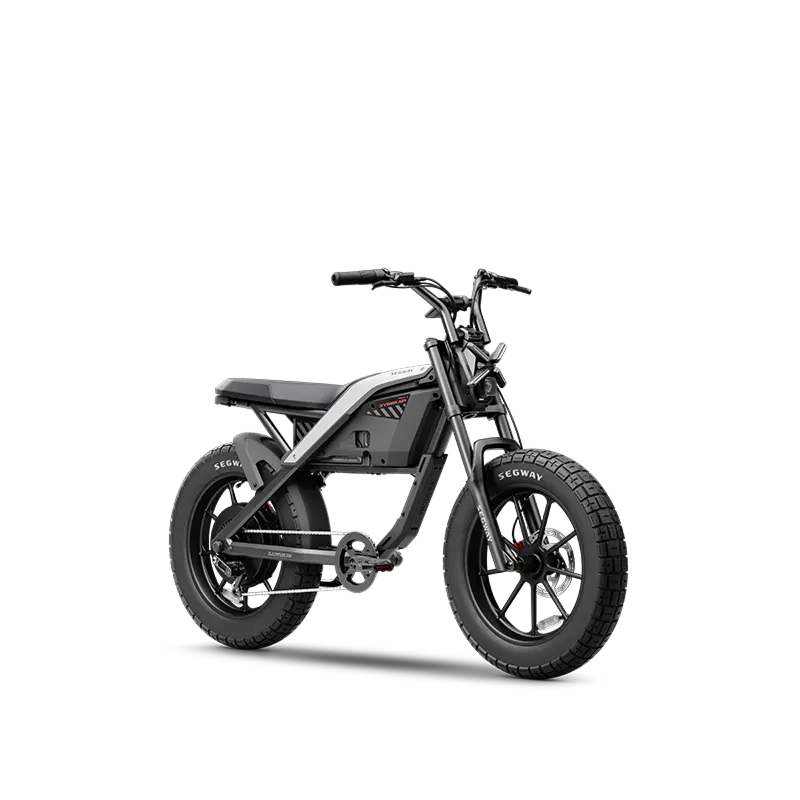
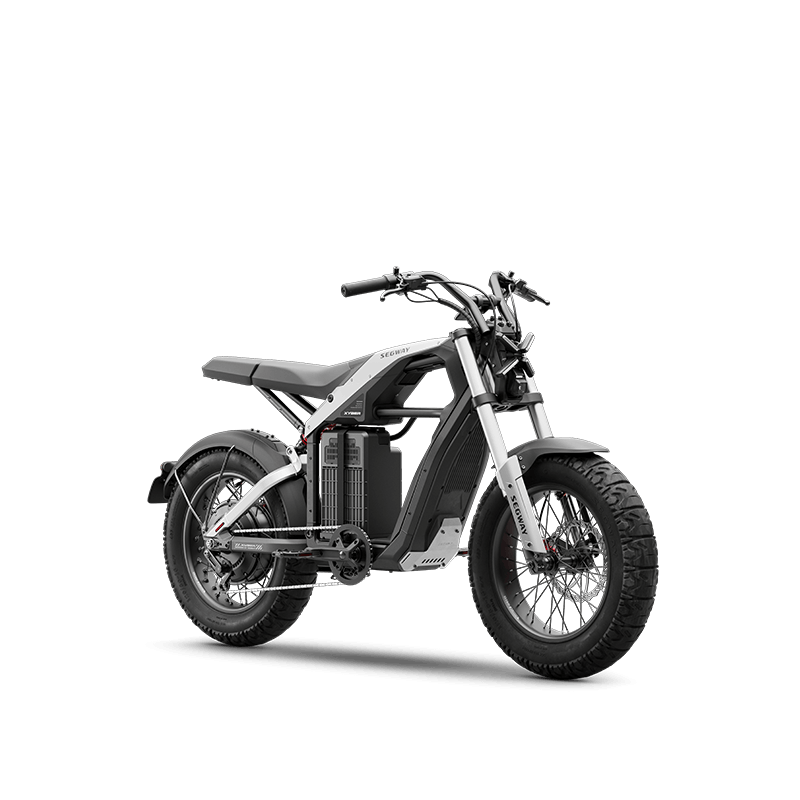
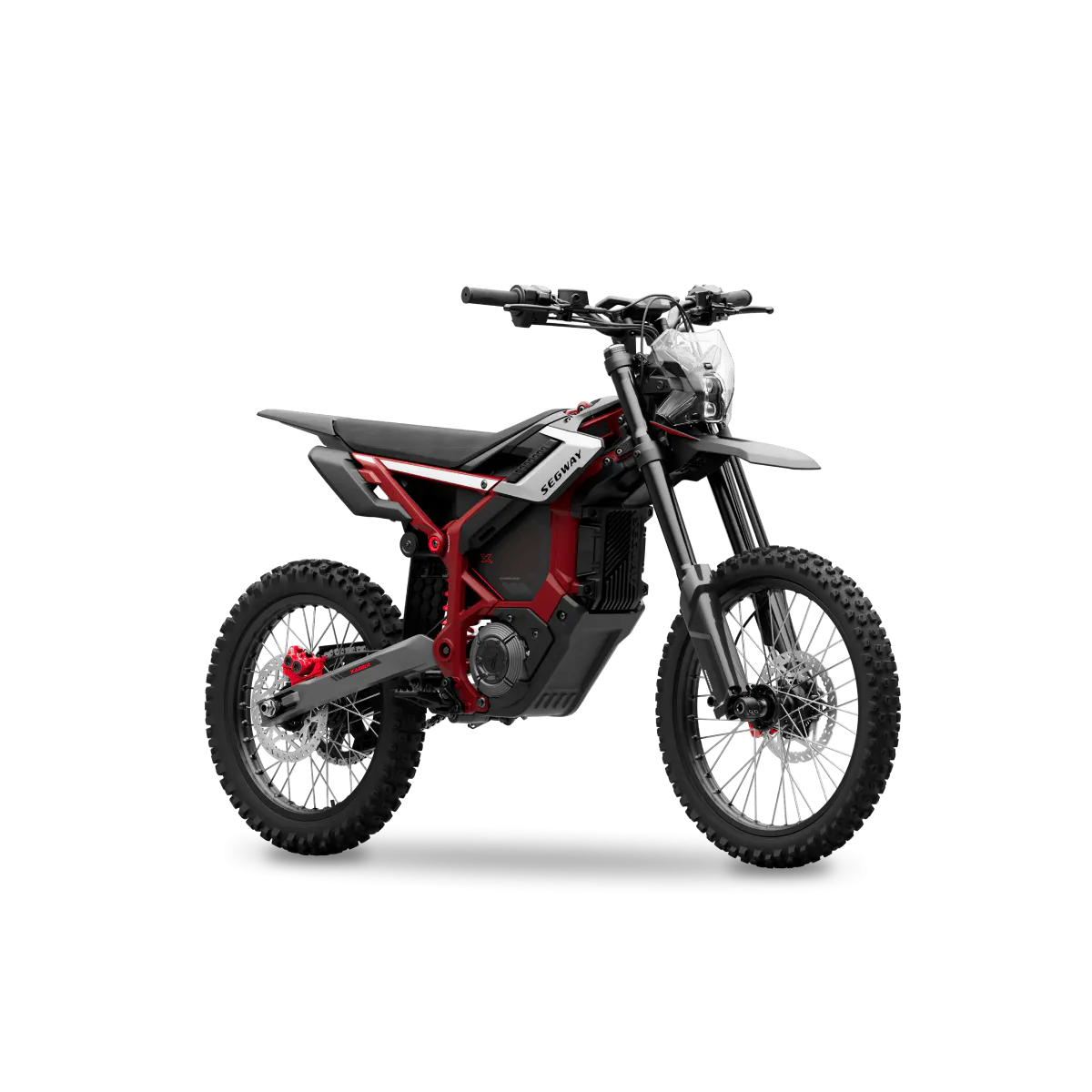
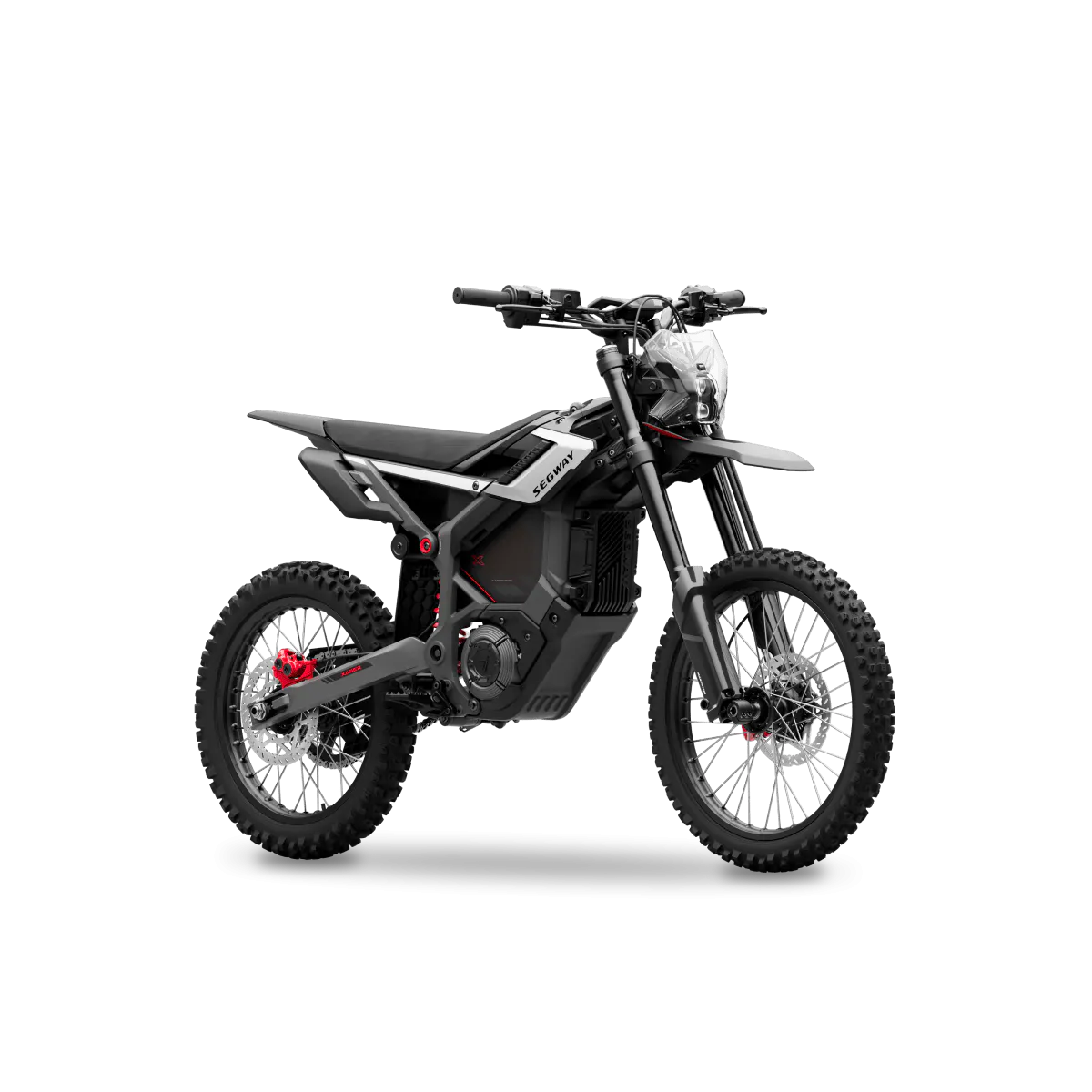





The Xaber 300 e-clutch is one of the features reviewers talk about most, but it’s only part of the software that sets this electric dirt bike apart. This guide explains how the e-clutch, riding modes, Pro Mode, traction control, hill hold and connected features work, and what to know about the app.
The E-Clutch: Clutch Control Without a Gearbox
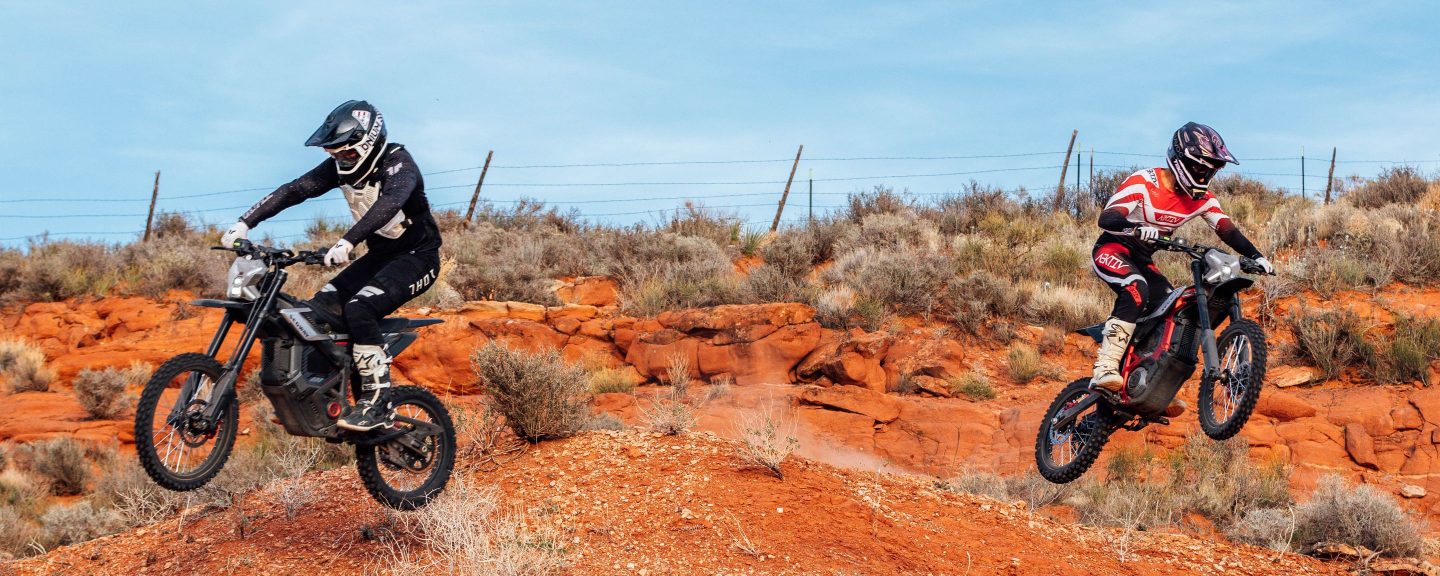
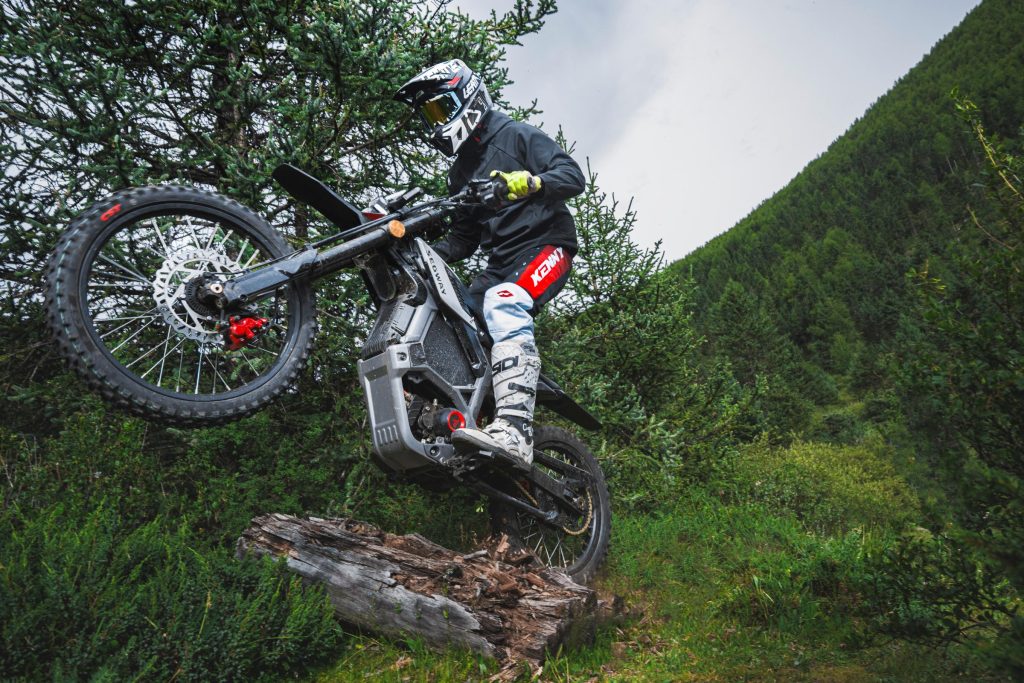
Electric dirt bikes don’t need a clutch, but experienced riders often miss one. The Xaber 300’s e-clutch simulates the clutch of a traditional motorcycle, so you can “pop the clutch” to blip over obstacles, loft the front wheel or set up a jump. The Gadgeteer calls it “a virtual Electronic Clutch that simulates a mechanical clutch feel, which is a real concession to motorcycle riders.” Read The Gadgeteer article.
Clutch-assisted moves are for experienced riders on suitable terrain. Segway notes that stunt riding is dangerous and not recommended.
Riding Modes and Pro Mode
The Xaber 300 has four preset riding modes: 150, 200, 300 and Beast. The first three are designed to feel like gas bikes of those displacements. Beast is the highest preset, with a predefined acceleration curve, the full 21 kW peak output and up to 60 mph. The dashboard shows the modes you enable in the app, up to four at a time.
Pro Mode goes further. In the Segway Mobility app (currently listed as the custom X1 and X2 modes under Riding Mode Settings), you can save up to two custom profiles and draw your own throttle curve, from fast, punchy acceleration to a smoother, more gradual response. Pro Mode can unlock the same full output as Beast Mode, and each profile also lets you set the energy recovery level, which controls how strongly regenerative braking slows the bike when you release the throttle. RunPlayBack found that being able to shape the throttle response helps the bike suit your riding style. Read the RunPlayBack review.
Traction Control, Hill Hold and Other Rider Aids
- Traction control (TCS): terrain-adaptive and selectable; it reduces wheel slip and can be adjusted in the app.
- Hill hold: prevents rolling backward on a slope for steady starts.
- One-button reverse: backs the bike out of tight spots.
- Regenerative braking: recovers energy as you slow down.
- X720 controller: Segway’s own controller manages power delivery across the system.
How to use hill hold
- Come to a stop on the slope.
- Press and hold the cruise control button for more than 3 seconds, or tap it while the bike is at 0 speed.
- Pull away as normal; hill hold keeps the bike from rolling back while you start.
Rider aids assist you, but they don’t replace good technique. Always ride within your ability.
Security and Connected Features
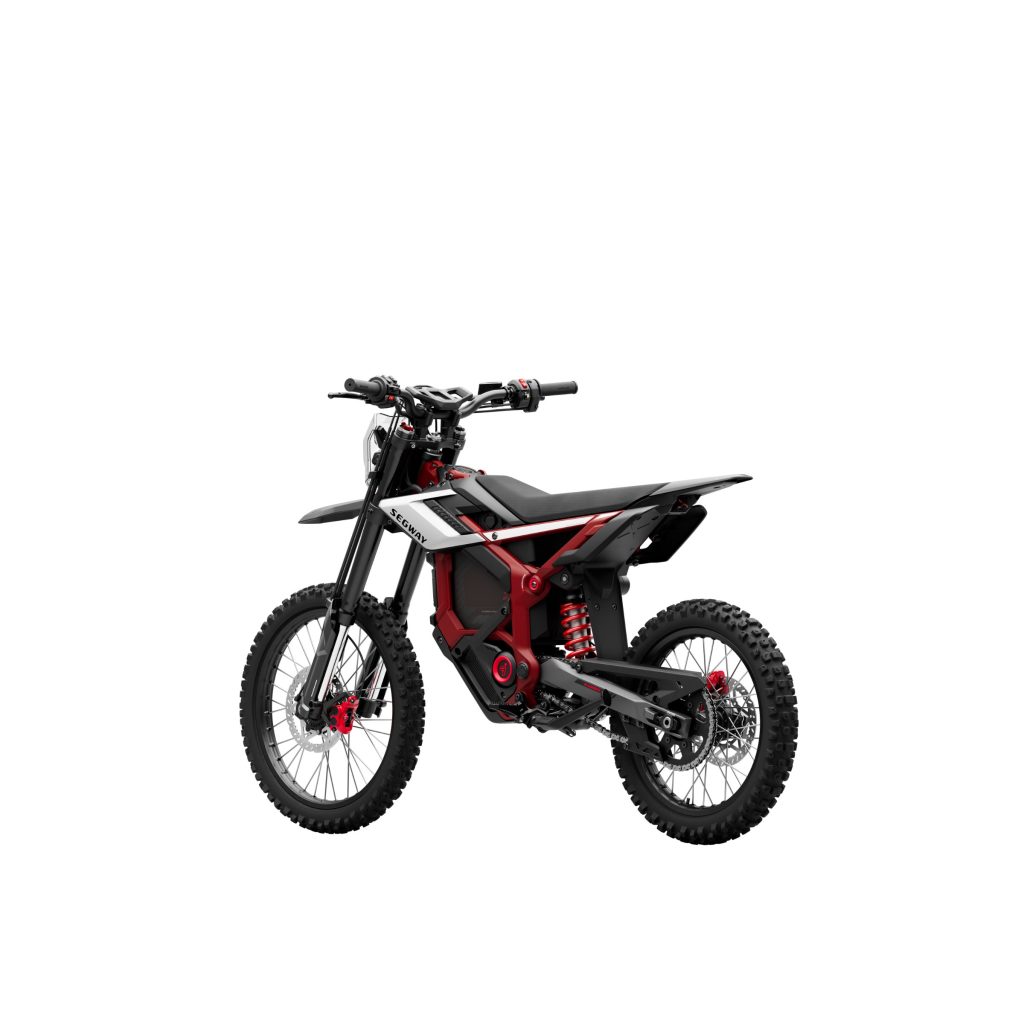
The Xaber 300 includes a 2.4-inch TFT display and connected features in the Segway Mobility app:
- Keys: start it with NFC, a password or the mechanical key.
- Anti-theft: AirLock, motion alerts and geo-fencing help protect the bike.
- Tracking: dual-location tracking with GPS and 4G, plus IoT remote monitoring.
- Family account: share access with others in your household.
- OTA updates: new firmware and features arrive over the air.
Network and cloud-based services are free for the first year and need a subscription after that. The Gadgeteer reports Segway plans to keep adding features over the air, starting with a Virtual Wheelie Coach.
What Reviewers Say About the Software
Electrek sums it up simply: “The software is the secret weapon.” Its review credits the electronics as the main thing that separates the Xaber 300 from other e-motos. Read the Electrek review.
Maximum Charge walks through the app in a dedicated settings guide:
Early reviews also flagged rough edges. RunPlayBack noted some software bugs and features that weren’t unlocked yet, so keep the bike updated and check release notes in the app.

For the bigger picture, read our Segway Xaber 300 review roundup, see how these features help beginner riders, or find out whether the Xaber 300 is worth it.
Want to try the Xaber 300 first? Book a test ride at a Segway dealer near you →
Frequently Asked Questions
What is the Xaber 300’s e-clutch?
It’s an electronic feature that simulates a traditional motorcycle clutch, letting experienced riders do clutch-style moves on an electric bike with no gearbox.
What is Pro Mode on the Xaber 300?
Pro Mode is the Xaber 300’s customizable setting. In the Segway Mobility app (currently the X1 and X2 custom modes), you can save up to two profiles with your own throttle curve and energy recovery level, with access to the same full output as Beast Mode.
Does the Xaber 300 have GPS tracking?
Yes. It offers GPS and 4G location tracking, with network services free for the first year and a subscription required after that.
How do I turn on hill hold?
Press and hold the cruise control button for more than 3 seconds, or tap it when the bike is at 0 speed.