
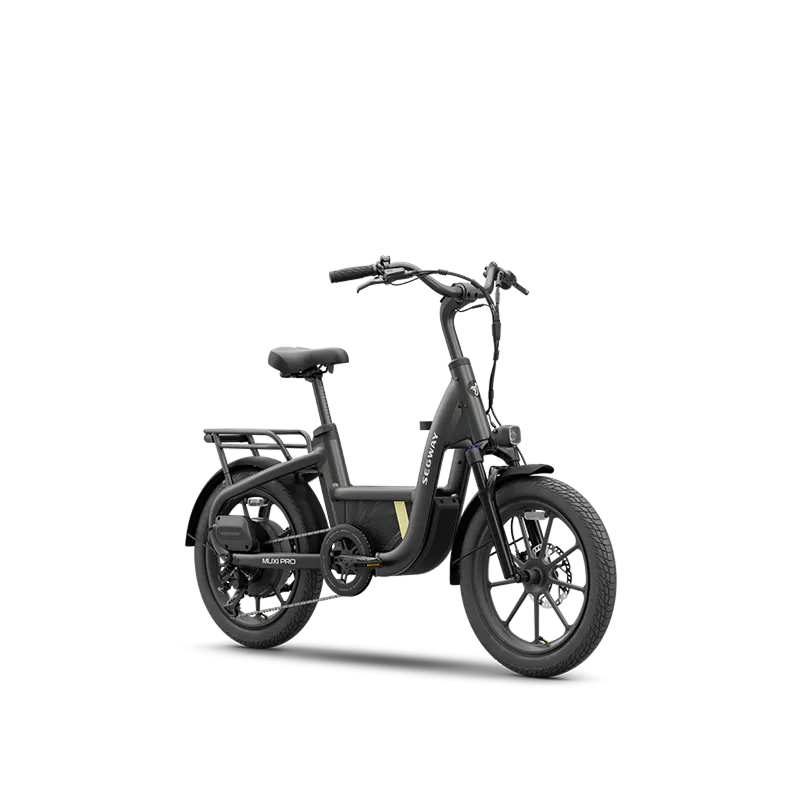
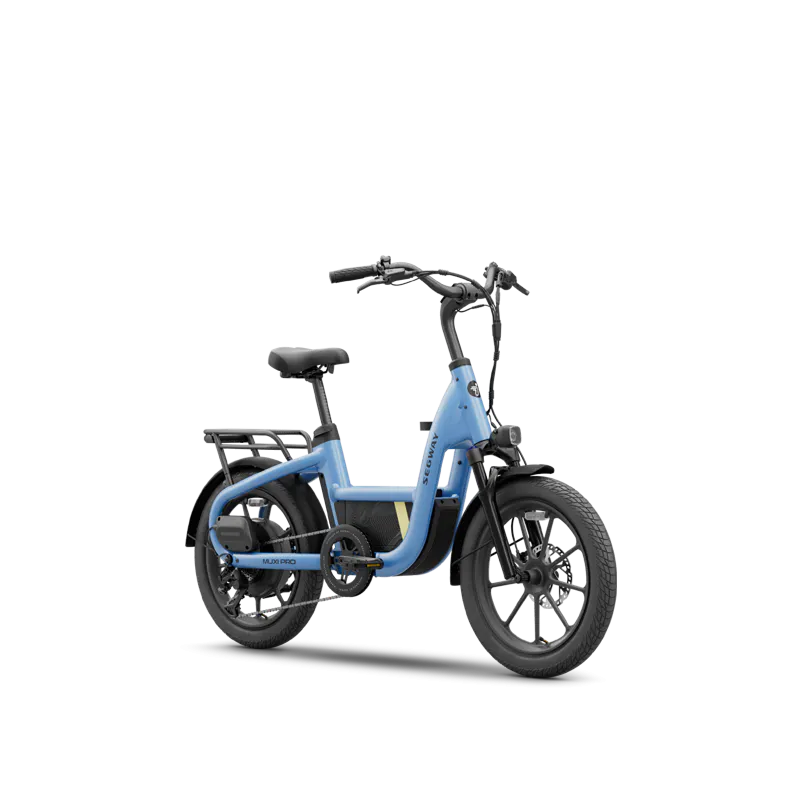
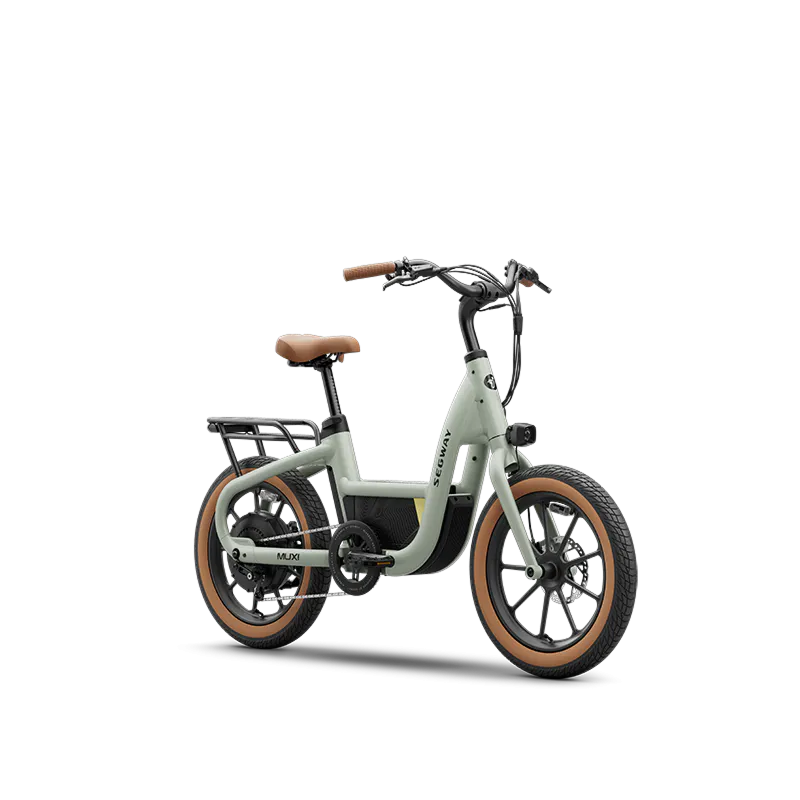
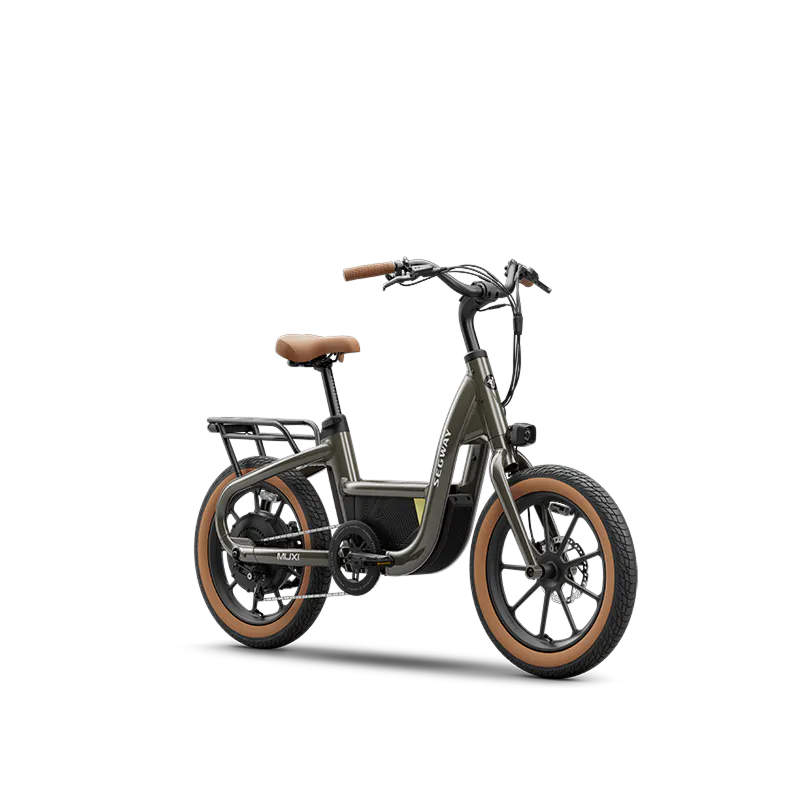
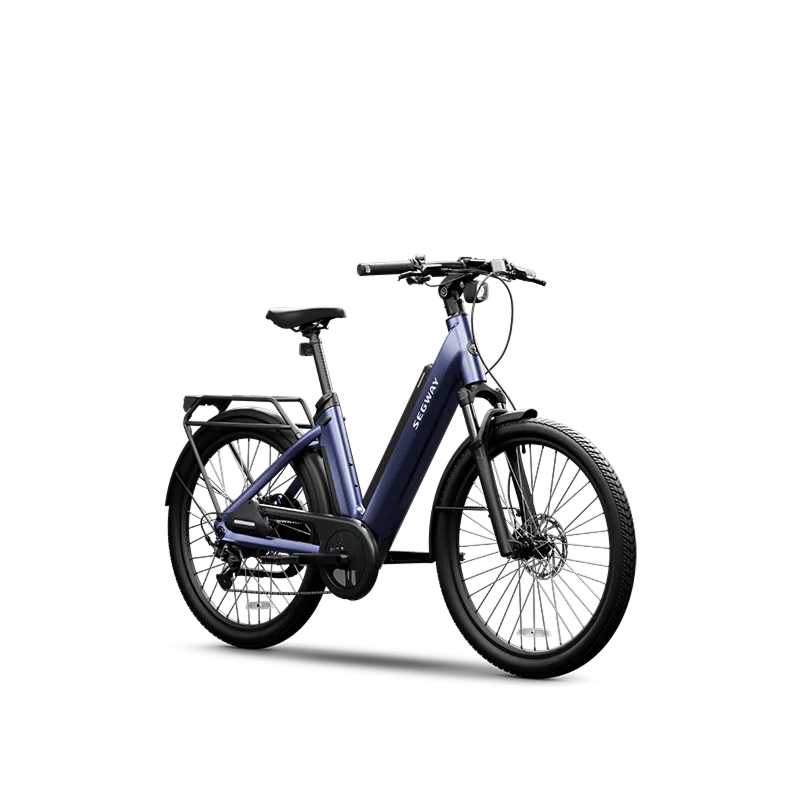
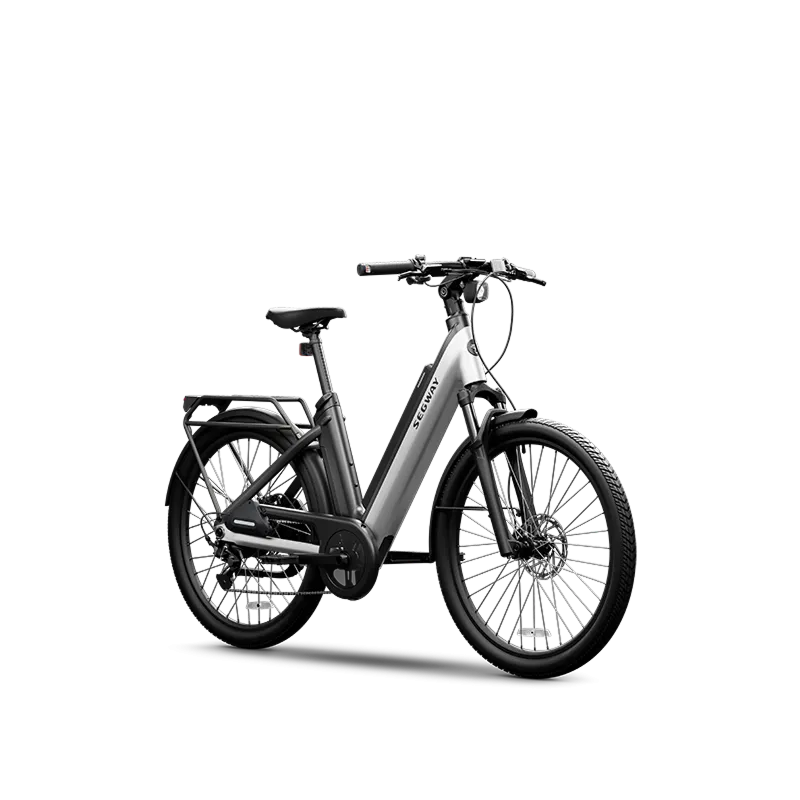
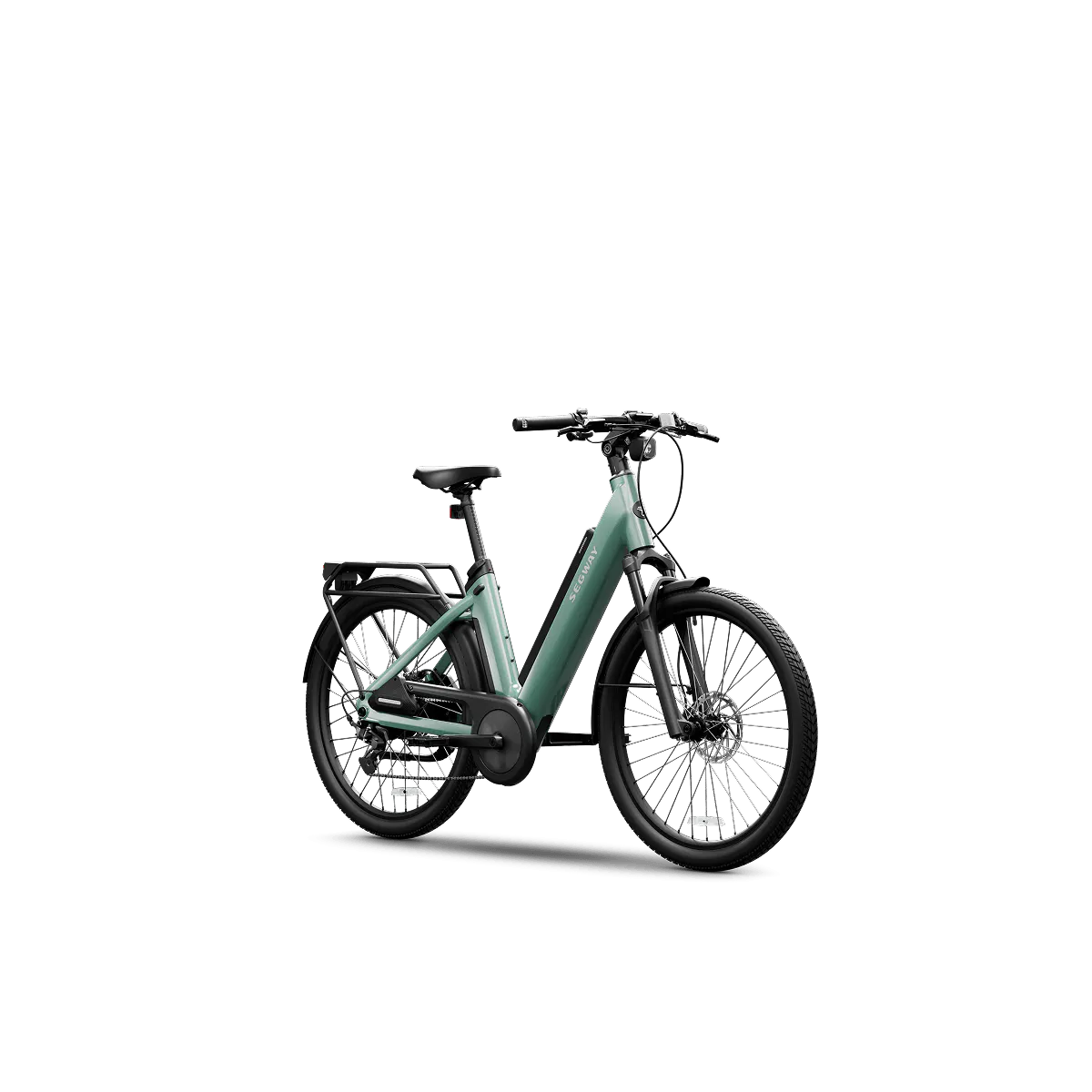
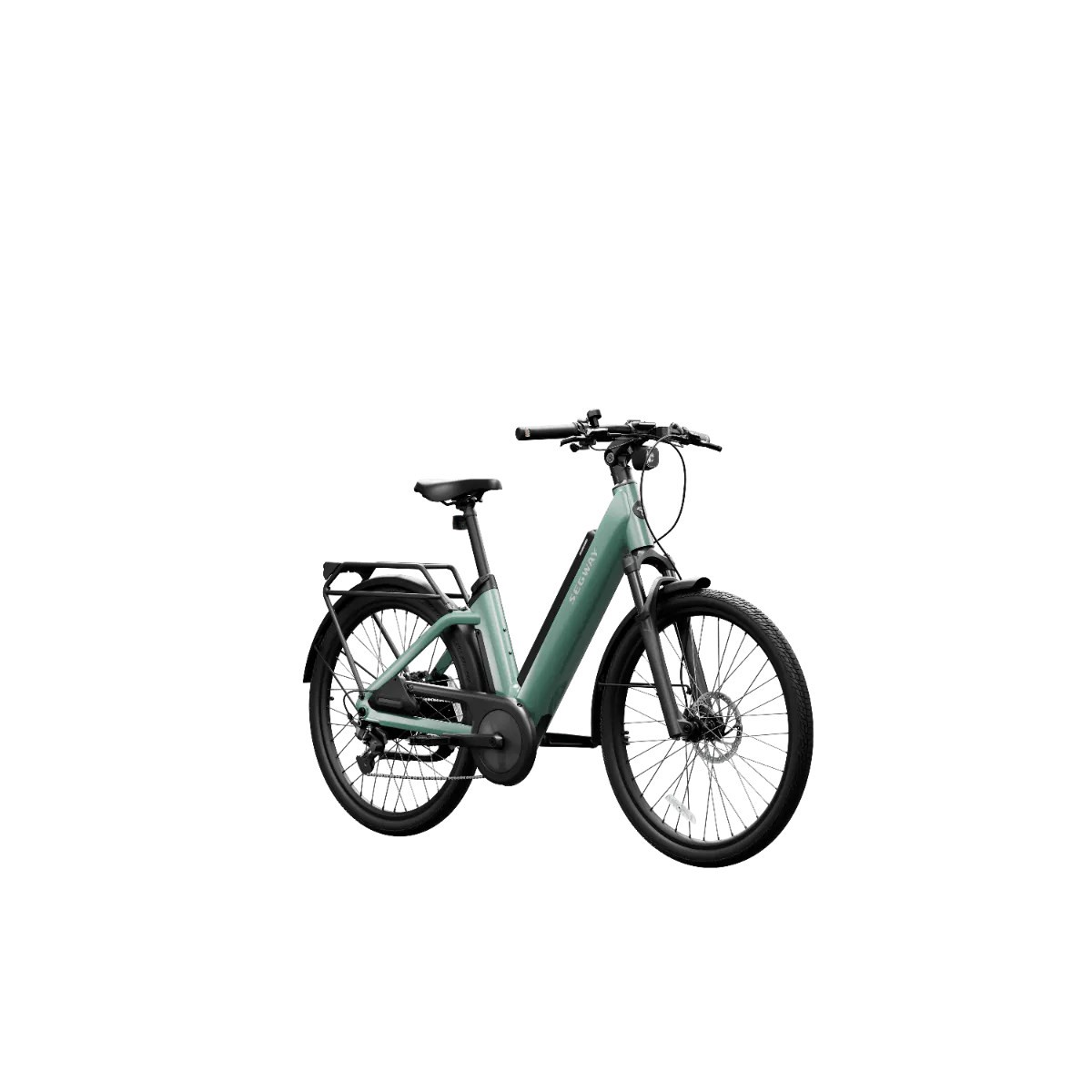
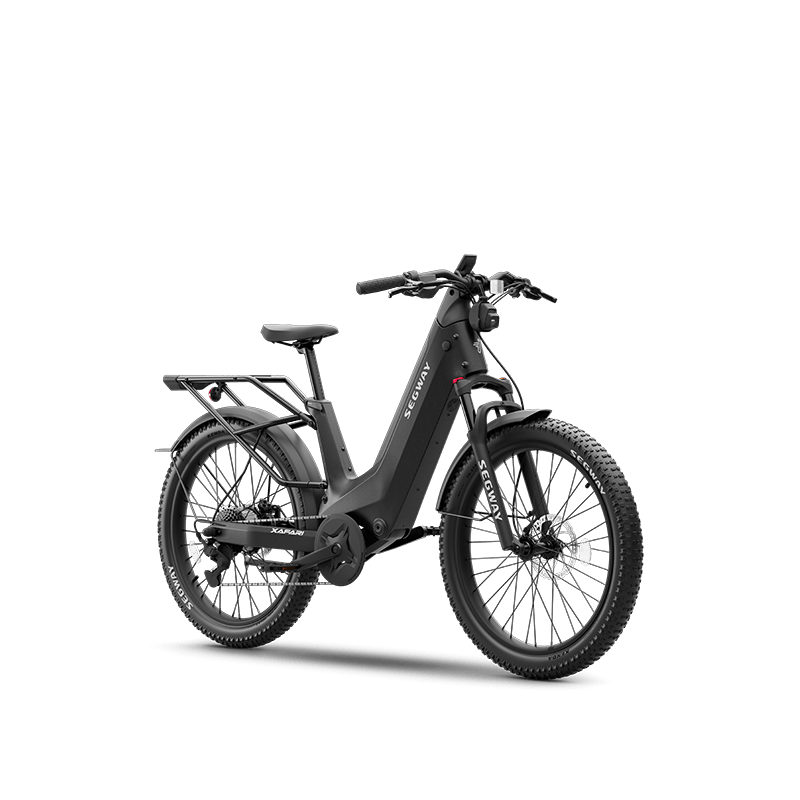
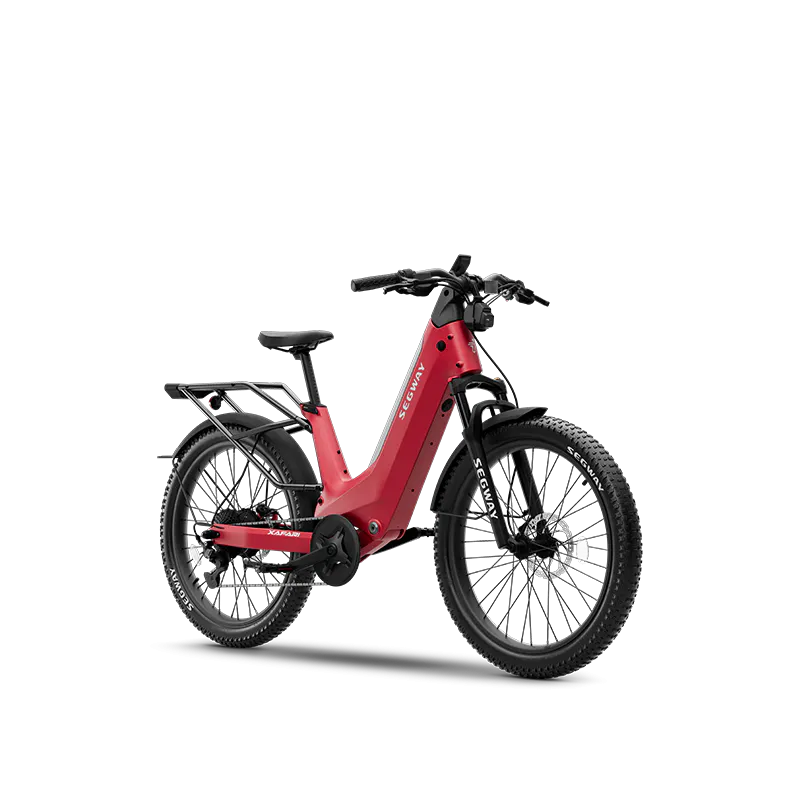
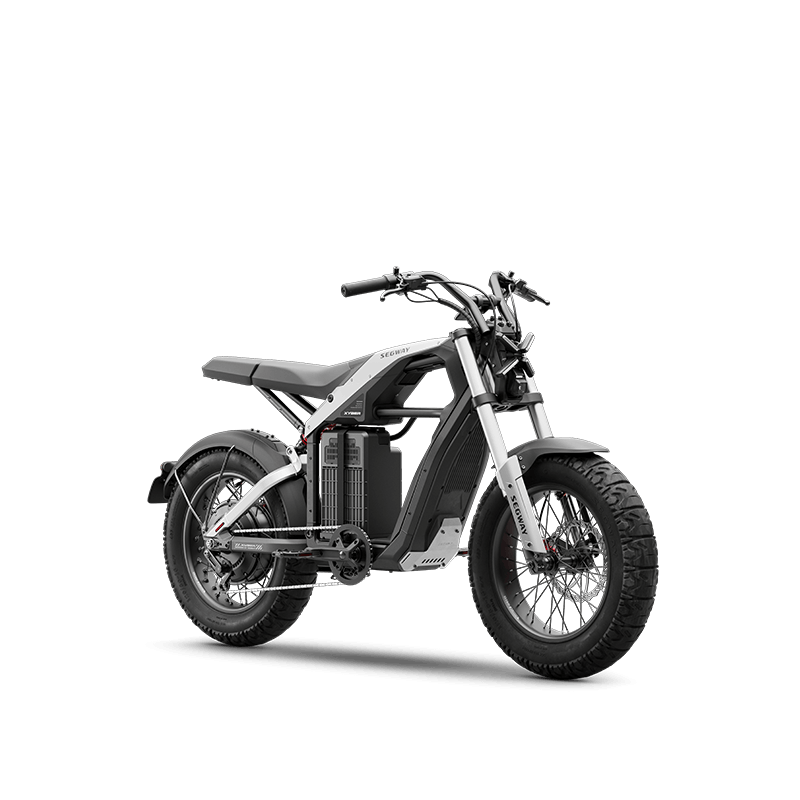





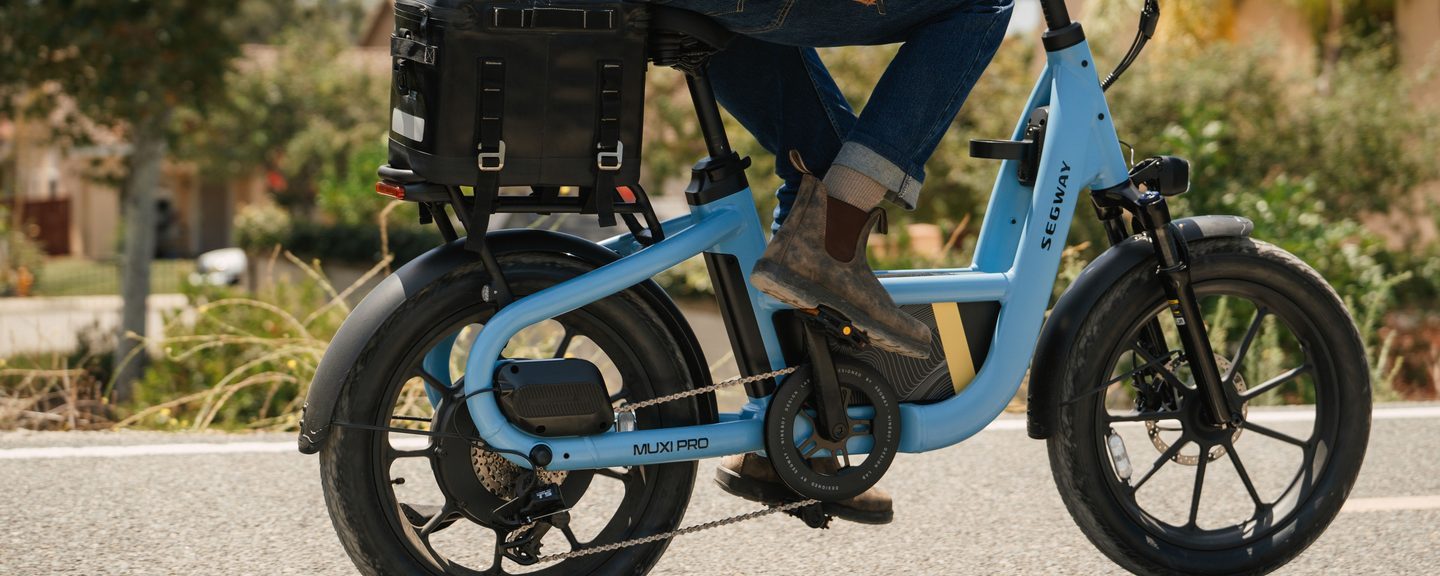
Electronic auto shifting is the feature reviewers mention most when they talk about the Segway MUXI Pro. Rider Guide called it “The Most High Tech Mini Cargo eBike Ever!” This guide explains how auto shifting works, how to set it up, and what the MUXI Pro’s other smart features do.
For the full review roundup, see Segway MUXI Pro Reviews: What Experts and Creators Are Saying.
How MUXI Pro’s Electronic Auto Shifting Works
The MUXI Pro pairs a 9-speed chain drivetrain and Segway derailleur with sensors that read how you are riding:
- Speed: how fast the bike is moving
- Cadence: how fast you are pedaling
- Incline: a built-in gyroscope detects climbs and descents
Using those inputs, the bike selects a gear automatically, so you can keep a steady, comfortable pedaling rhythm without touching a shifter.
What it feels like on the road
- Green-light starts: the bike makes sure you are in the right starting gear, so pulling away from a stop feels smooth.
- Climbing: the gyroscope and cadence sensor detect the incline and adjust the gear to keep uphill pedaling comfortable.
- Cruising: as you speed up, the bike shifts up to match your pace.
Set it up your way
In the Segway Mobility App you can set your preferred cadence and choose Casual, Standard or Sport mode. The auto shifting then works around your preference. The easiest way to feel auto shifting for yourself is a test ride: find a Segway dealer near you.
What Reviewers Say About Auto Shifting
- Mike Fede: the electronic shifting “might be the future of e-bikes.”
- eBike Reviews & Adventures: “the best feature on this bike.”
- Rider Guide built its review around the idea of a cargo eBike “That Shifts for You” and scored the MUXI Pro 94 out of 100.
- Powersports Business made auto-shift the headline of its launch coverage.
Motor-Based Rider Assists
The 750 W direct-drive motor does more than provide power. It also runs several assist features:
- Traction Control System (TCS): monitors wheel slip and adjusts motor power or briefly brakes the slipping wheel to help prevent skids. On by default; can be turned off in the app.
- Hill Descent Control: uses motor braking to keep a steady speed on downhills. Off by default; enable it in the app.
- Hill Start Assist: holds the bike in place on an incline during short stops. Off by default; enable it in the app.
- Kinetic Energy Recovery: captures energy during braking and sends it back to the battery.
- Adaptive Power: adjusts power output to rider input and conditions.
How to use Hill Start Assist
Hill Start Assist holds the bike in place during a brief stop on an incline, such as at a stop sign halfway up a hill, so you can restart without rolling back. It is meant for short pauses, not for parking or longer stops.
- Turn it on in the app: Hill Start Assist is off by default. Enable it in the Segway Mobility App.
- Come to a full stop: make sure the bike is completely stationary.
- Squeeze both brakes for 3 seconds: hold both brake levers at the same time. The motor engages to hold the bike in position.
- Look for the “H” symbol: it appears on the display to confirm the feature is active.
- Get ready to ride off: in the final 15 seconds, a countdown appears on the display and an audible alert sounds to show the hold is ending.
Important: Segway has validated Hill Start Assist to hold for up to 2 minutes and 17 seconds on slopes of 8° or less with a rider of 165 lbs (75 kg) or less. Outside those conditions the hold time is shorter, and the bike may not stay in place. Stay attentive and be ready to take control at all times, especially on steeper slopes or with heavier loads. Hill Start Assist is part of Segway Lab’s experimental features and may be updated, so check the notices in the app for the latest information.
For more on how these help on climbs and range, see MUXI Pro Range and Hill Performance: What to Expect.

Smart and Safety Features
- AirLock: Bluetooth proximity locking recognizes your phone and unlocks the bike as you approach.
- Apple Find My and GPS location tracking (GPS requires a subscription).
- TFT display: water-resistant, auto-adjusting brightness, with ride metrics, range, assist level, call alerts and navigation.
- Lighting: 600-lumen automatic headlight, brake-activated taillight and turn signals.
- Rearview Radar (optional): the taillight can flash if a potential rear collision is detected. The radar is sold separately and is a rider-assistance feature only.
- Segway Mobility App: check charge, unlock, share, lost mode, adjust settings and receive automatic software upgrades.
Network and cloud-based services are free for the first year and require a subscription after that.
Want to try the MUXI Pro first? Book a test ride at a Segway dealer near you →
FAQ
Does the MUXI Pro have automatic shifting?
Yes. It has electronic auto shifting on a 9-speed drivetrain that uses speed, cadence and incline sensors to choose the gear.
Can I adjust how the auto shifting behaves?
Yes. In the Segway Mobility App you can set a preferred cadence and choose Casual, Standard or Sport mode.
Is Hill Descent Control on by default?
No. Hill Descent Control and Hill Start Assist are off by default and must be enabled in the app. Traction Control is on by default.